Complete Guide: How to Design a Professional Resume in 2026
Joborate, CV Designer, Canva, Figma: the best tools and expert tips to craft a winning resume.
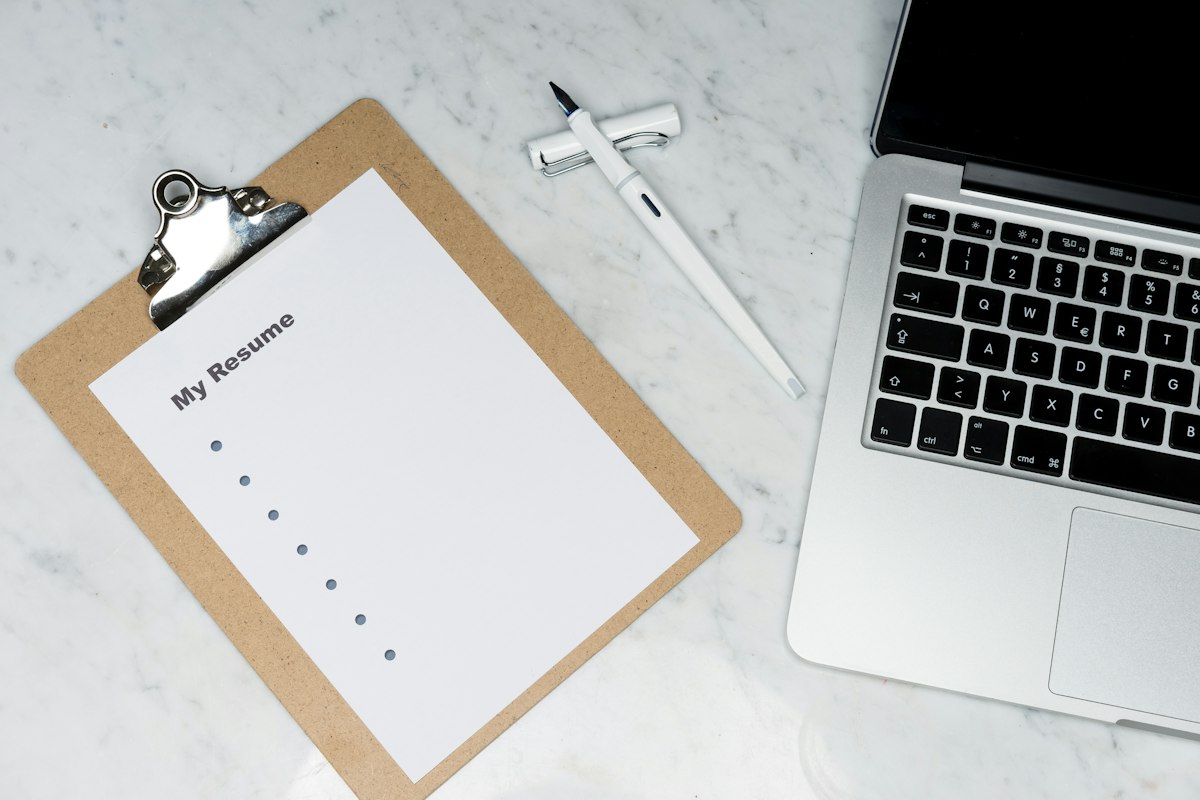
In a dynamic and highly competitive job market, your resume remains your first virtual handshake with a recruiter. HR ergonomics studies confirm it: recruiters spend an average of less than 7 seconds reviewing a resume during the first screening.
Having a clean layout, clear structure, and content optimized for applicant tracking systems (ATS) is crucial to landing an interview.
Top 4 tools in 2026 to design your resume:
- •Joborate.com (AI & Optimization): The essential AI tool to adapt your resume to job offers and maximize ATS score.
- •CV Designer (Public Service): The official, free, and secure French tool for standard professional resumes.
- •Canva (Visual & Ready-to-use): Great for building visual resumes in minutes with thousands of templates.
- •Figma (Complete Freedom): For creative profiles, designers, and developers building 100% custom layouts.
Golden rules for a stand-out resume:
1. Clear job title: State the exact position title at the top of your resume. 2. Results-driven content: Highlight quantified achievements rather than just listing duties. 3. Export as PDF: Always use PDF format to preserve layout across all devices. 4. Match keywords: Use exact terms from job postings to pass ATS screeners. 5. Visual hierarchy: Keep typography readable and layout well-spaced.
Summary: Choose the tool that fits your process: Joborate for AI assistance, CV Designer for official templates, or Canva/Figma for custom design.